Big GPUs,
right where you work.
Open a real cloud GPU inside the tools you already know — your editor, your notebook, a full Blender workstation in the browser. It runs on hardware you’d never fit under your desk, and it answers like it’s sitting right there.
Runs the tools you already open
One GPU, every kind of heavy work.
Not a raw server you have to configure — a real GPU attached to the exact app you already use, or streamed to your browser. Pick your field.
AI & ML development
Without Tangible
Getting a notebook onto a cloud GPU means quota requests, instance setup, and fighting CUDA versions before you write a line.
With Tangible
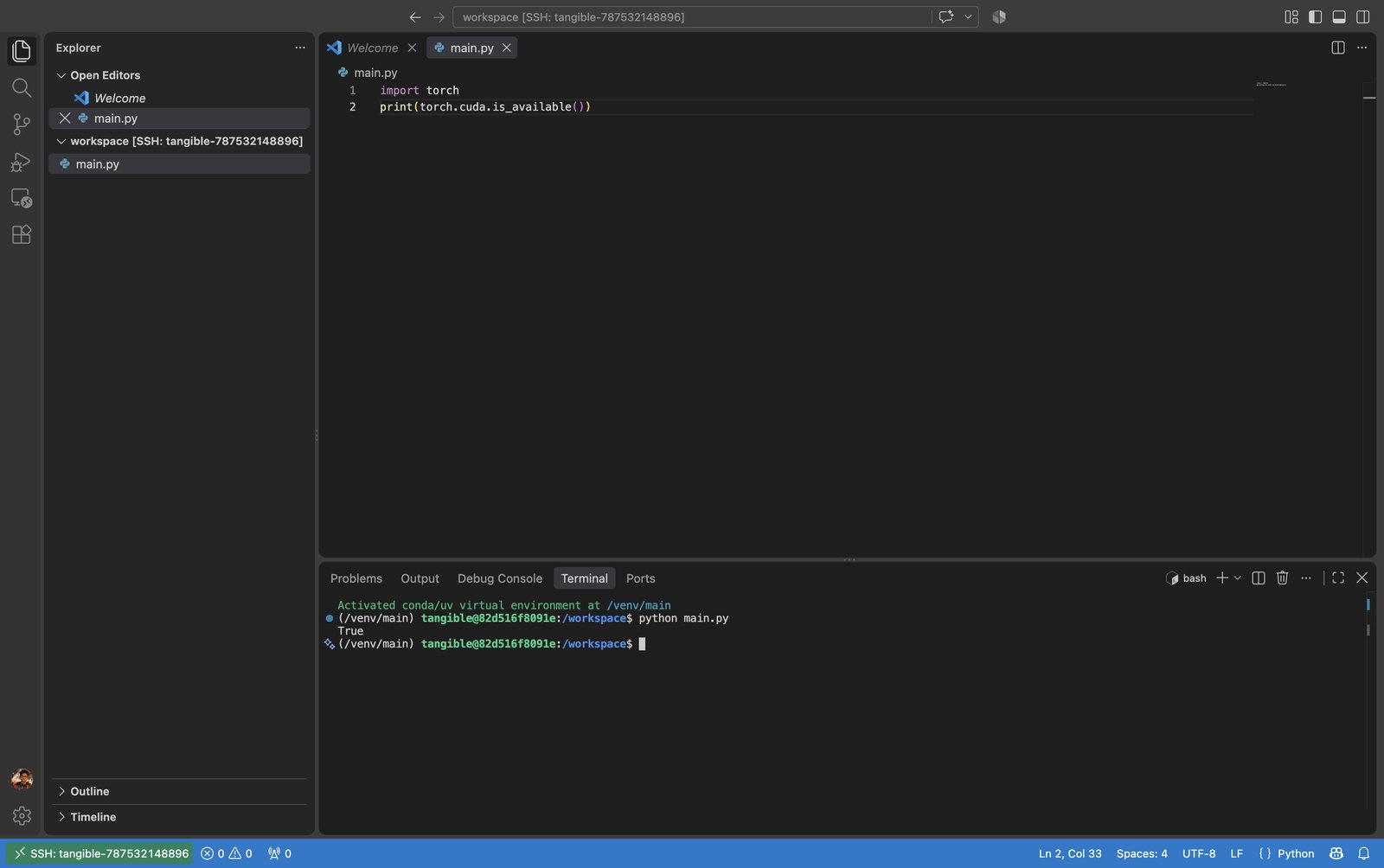
Pick a GPU, pick your editor, click launch. VS Code or Cursor attaches to the card, or JupyterLab opens ready — PyTorch and JAX already there, billed by the second.
ML engineers, data scientists, AI researchers
3D, Blender & Unreal
Without Tangible
A heavy scene crawls on a laptop, and a workstation that keeps up — a Blackwell-class rig — runs well into five figures.
With Tangible
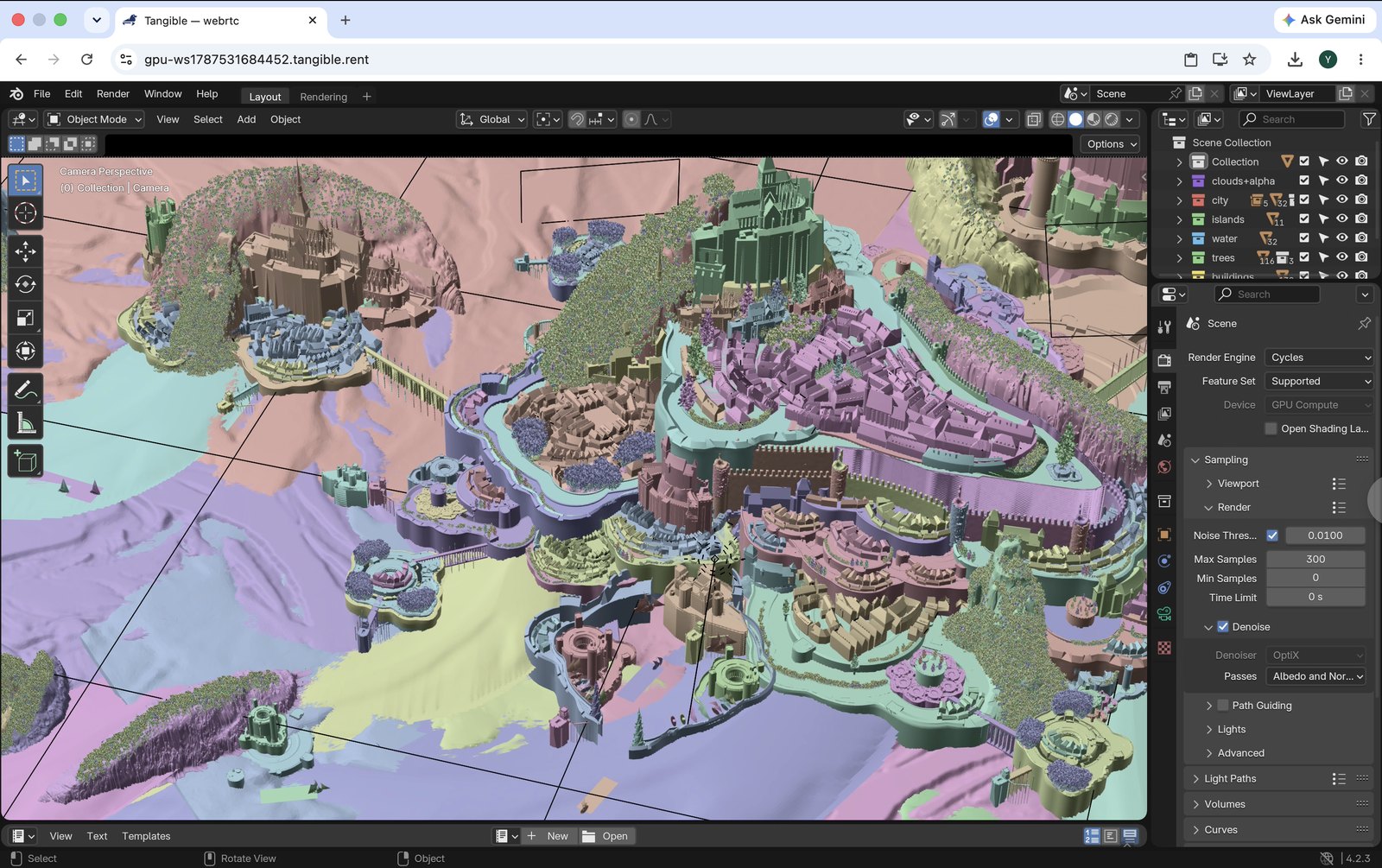
Stream a full Blender or Unreal workstation to your browser on a cloud GPU. Sculpt, shade, and viewport-render at native-feeling latency — from anything, even a thin laptop.
3D artists, game & VFX teams, industrial designers
Science & research
Coming soonWithout Tangible
Shared HPC queues mean waiting hours for a slot, and a local GPU server is a five-figure purchase order and a maintenance headache.
With Tangible
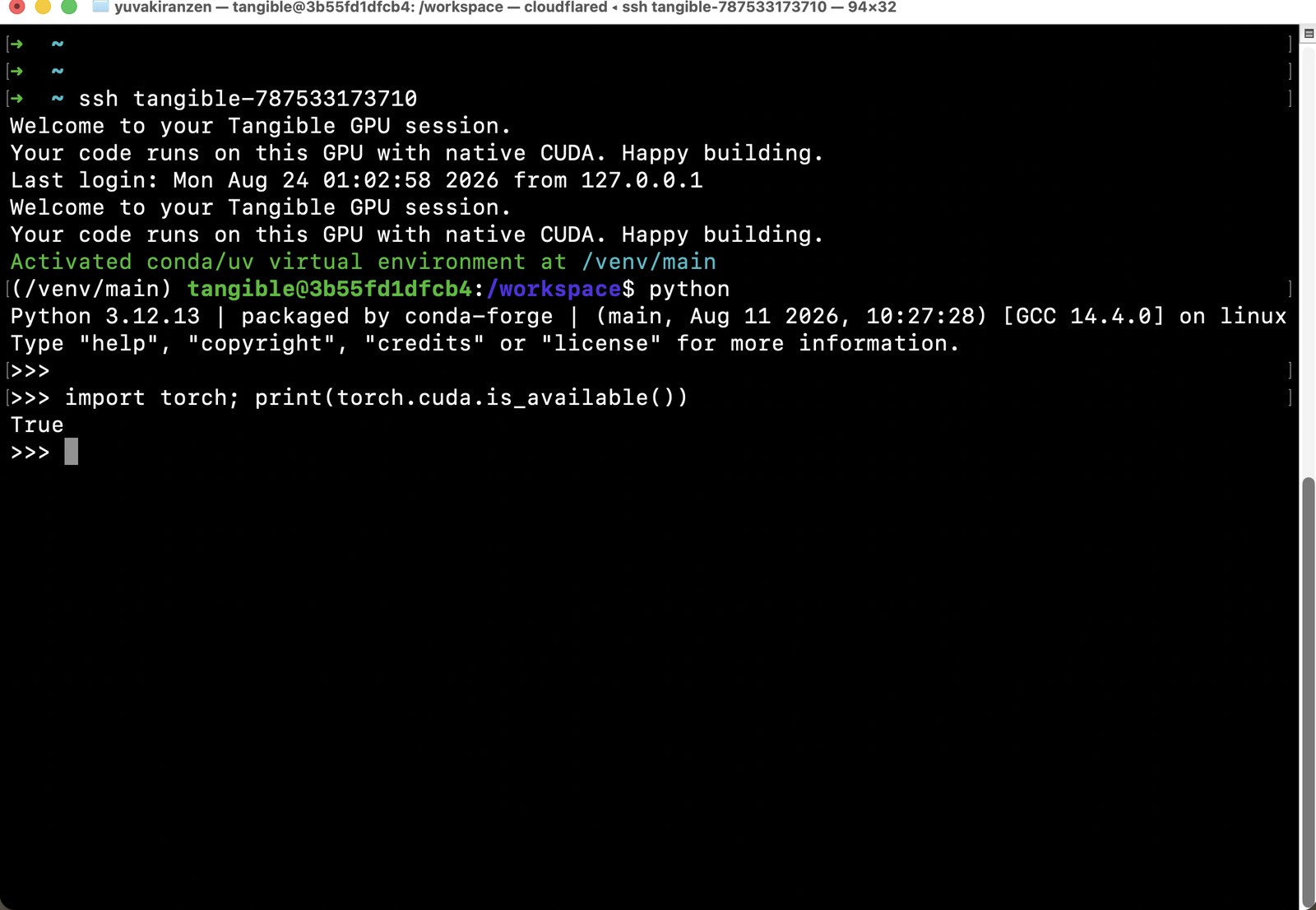
Spin up a dedicated GPU box in minutes and run your simulation, training, or analysis in a full Linux workspace — no shared queue, no procurement, gone when you’re done.
Computational scientists, bioinformaticians, academic researchers
Medical imaging
Coming soonWithout Tangible
GPU imaging tools like 3D Slicer or MONAI are pinned to one powerful workstation, in one lab, that everyone has to book.
With Tangible
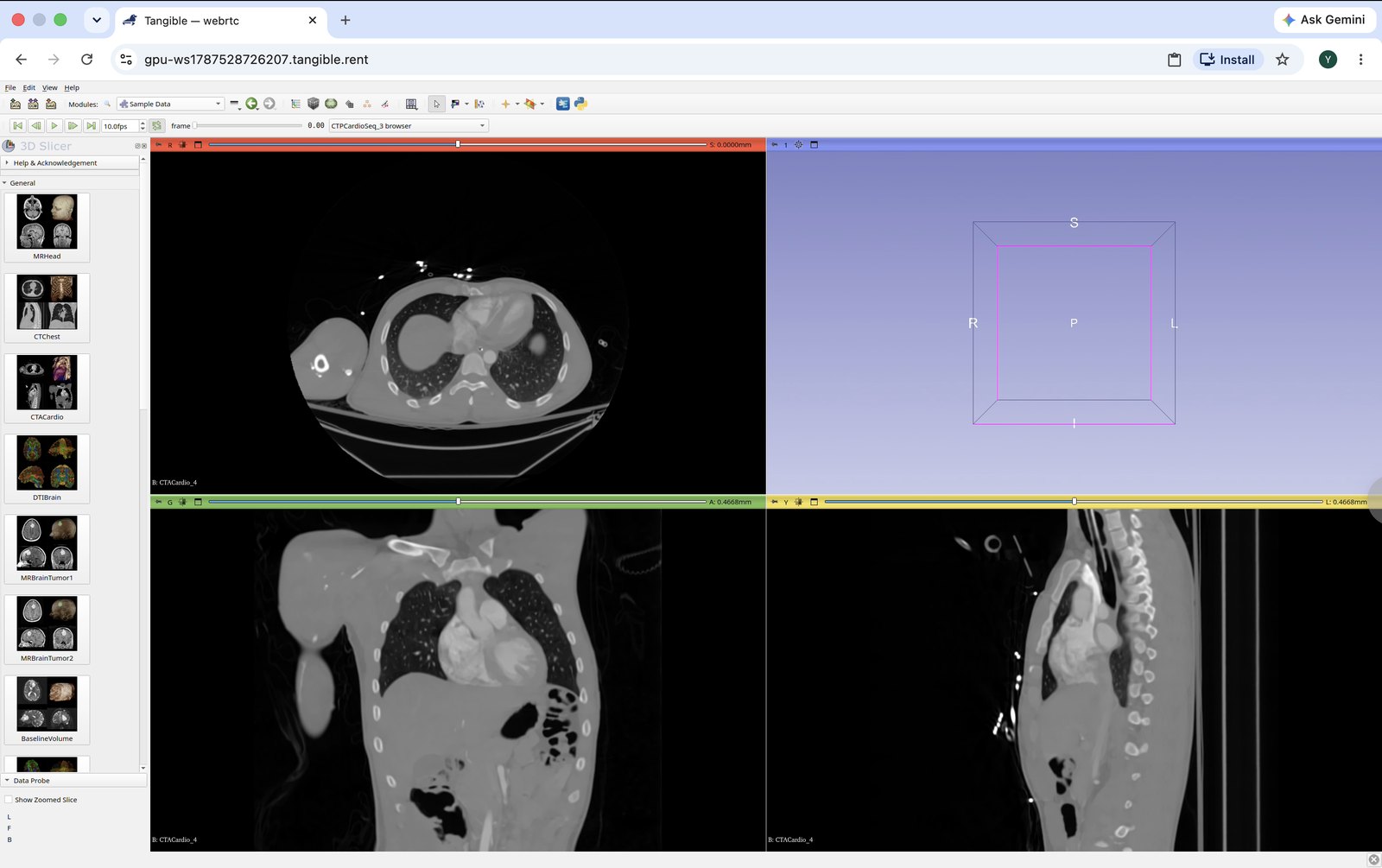
Run 3D Slicer, MONAI, or napari on a cloud GPU streamed to any device — 3D rendering and segmentation in the browser, nothing to install locally.
 3D Slicer
MONAI
napari
ITK-SNAP
3D Slicer
MONAI
napari
ITK-SNAP
Imaging researchers, radiology teams, healthcare IT
The cloud, without the cloud tax.
No SSH, no Docker, no drivers
We provision the machine, install the CUDA stack, open a secure tunnel, and mount your workspace. You click launch — that’s the whole setup.
Your tools, not a web console
The GPU attaches to the editor you already use, or streams the app to your browser at native-feeling latency. No context switch, nothing new to learn.
Billed by the second
Pay only for the seconds a GPU is actually attached. No idle charges, no minimums, no commitment. Close the session and billing stops.
Consumer & datacenter GPUs
From an RTX 4090 to H100-class cards, matched in a region near you for the shortest path and lowest latency.
Sandboxed sessions
Every session runs isolated. End it and the machine is torn down — your data doesn’t linger on someone else’s hardware.
Works from a thin laptop
The heavy work happens on the GPU, not your machine. A Chromebook, an old MacBook — if it opens a browser, it runs.
From nothing to running in two clicks.
Pick your GPU
Filter by model, VRAM, region, and price. Tangible finds the cheapest matching card near you and shows the exact machine before you commit.
Pick your tool
Your editor or notebook, or a streamed workstation. Tangible boots the GPU, sets up the stack, and opens a secure connection.
Work
It opens right where you expect — local editor or browser. Run your job. Close it when you’re done and billing stops to the second.
Pay for seconds, not servers.
Have a GPU sitting idle?
Turn the card in your machine into income. Tangible can rent your idle GPU to people who need it — you set when it’s available.
Get a GPU in your workflow.
Download Tangible, sign in, and launch your first GPU in a couple of minutes.
macOS & Linux · Windows coming soon